Why macOS asks
Your clipboard can hold anything you’ve copied, including passwords and private messages. So macOS lets you decide which apps can read it without you pasting.
Pasting is always up to you. When you press Command V in a TesserClip window, macOS doesn’t ask, and the text appears as usual.
Allow TesserClip
-
Open Privacy & Security
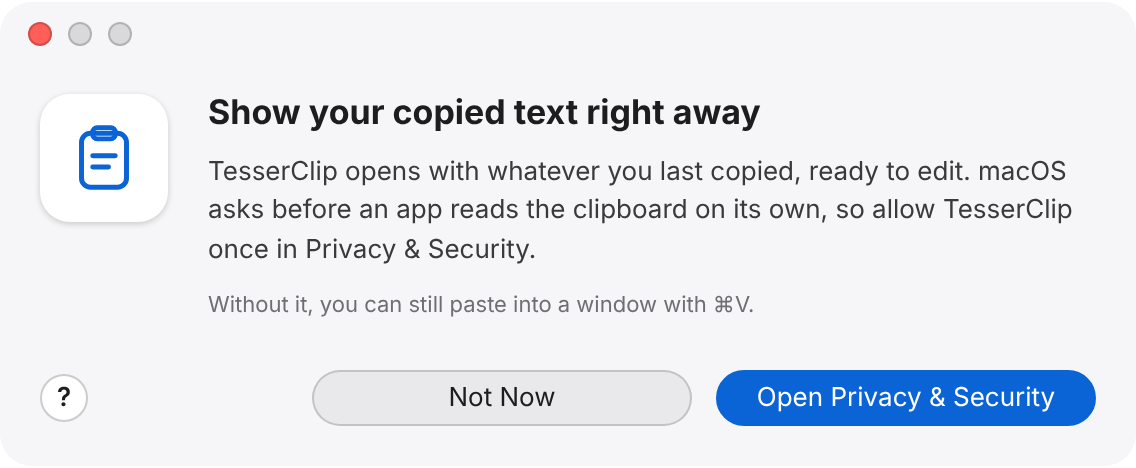
In the TesserClip window that asks for permission, click Open Privacy & Security. If you closed that window, choose Help, Clipboard Permission… to open it again.
-
Find TesserClip
System Settings opens to the list of apps that can paste from other apps.
System Settings , Privacy & Security , Paste from Other Apps
-
Allow it
Next to TesserClip, choose Allow.
-
Open your text
Switch back to TesserClip and choose File, New Window (Command N). The new window shows the text you copied.
Chose Not Now? That’s fine. Windows open empty, and you can paste into them with Command V. Change your mind any time with Help, Clipboard Permission…
What TesserClip reads
- TesserClip reads the clipboard only when it opens a window.
- To show the dot on New Window from Clipboard, it checks that the clipboard has text, without reading the text.
- Your text stays on your Mac. See the Privacy Policy.
Turn it off
Go back to System Settings, Privacy & Security, Paste from Other Apps and change TesserClip’s setting. TesserClip keeps working; new windows just open empty.